Word Count, Character Count and Reading Time Explained
Understand what the counter measures and why another platform may show a different result.
In this guide
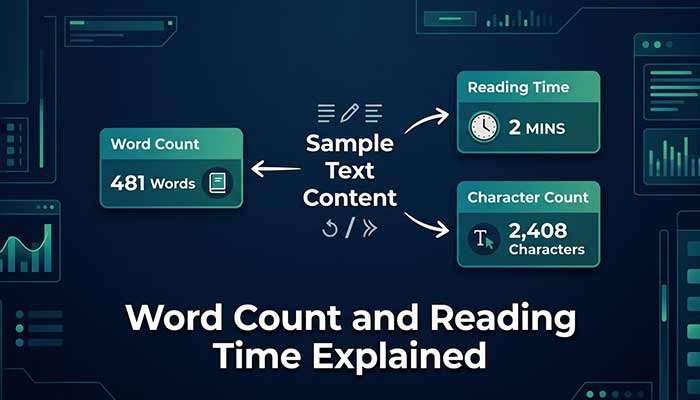
Word count, character count and reading time describe different things. A short word and a long word each count as one word, while their character totals differ. Reading time is an estimate based on word count, not a measure of how quickly a specific person will understand the text.
Try a small known example
Enter “Write clear answers.” without quotation marks in Word & Character Counter. The expected result is 3 words and 20 characters, including the two spaces and the full stop. The sentence count is 1. The counter’s reading estimate rounds a nonempty text up to a whole minute.
Small examples make the definitions easier to check. Add a space and observe the character total change. Add another word and observe the word total. The tool updates while you type and does not need a Run button.
Understand the character convention
This counter counts Unicode code points, including spaces, punctuation and line breaks. A visible symbol may use more than one code point, especially a combined emoji or a letter with combining marks. Therefore a character total is not always the number of symbols you perceive on screen.
Other platforms may count bytes, UTF-16 code units or visible character clusters. If a form enforces a strict limit, use its own counter for the final check. Our result is useful for editing, but it does not override the destination’s definition.
Know how words and sentences are segmented
Modern browsers use language-aware segmentation for word-like and sentence-like pieces. Older browsers fall back to simpler pattern matching. Hyphenated terms, abbreviations, numbers and languages without spaces can be handled differently by different implementations.
This tool does not evaluate grammar, originality or writing quality. It measures text according to its counting rules. A larger word count is not evidence that a passage is more useful or more accurate.
Treat reading time as a planning estimate
The counter uses 200 words per minute and rounds up. A 400-word text gives two minutes under that assumption. The separate Reading Time Calculator lets you choose a speed and shows a decimal result, making the assumption explicit.
Actual reading time changes with language, familiarity, diagrams, code and the reader’s purpose. Rehearse a spoken presentation aloud instead of treating a silent-reading estimate as a speaking duration.
Keep your own copy
Text entered in the counter stays on the page and is not sent to Gemini by this tool. Reloading or clearing removes it from the interface. Keep important writing in your own editor, then use the counter as a temporary check. Do not rely on the browser page as a saved document.
Questions that often come up
Does the character total include spaces?
Yes. Spaces, punctuation and line breaks are included as Unicode code points.
Why does another counter disagree?
It may use a different definition of words or characters. Check the destination’s rules and use its counter for a strict submission limit.
Try the related pages
This guide was prepared with AI assistance and checked against the behaviour of the ReDeepSeek tools. Review AI answers before using them and report unclear examples through our Contact page.